Zalo OA Webhook: Verify Signatures with Node.js

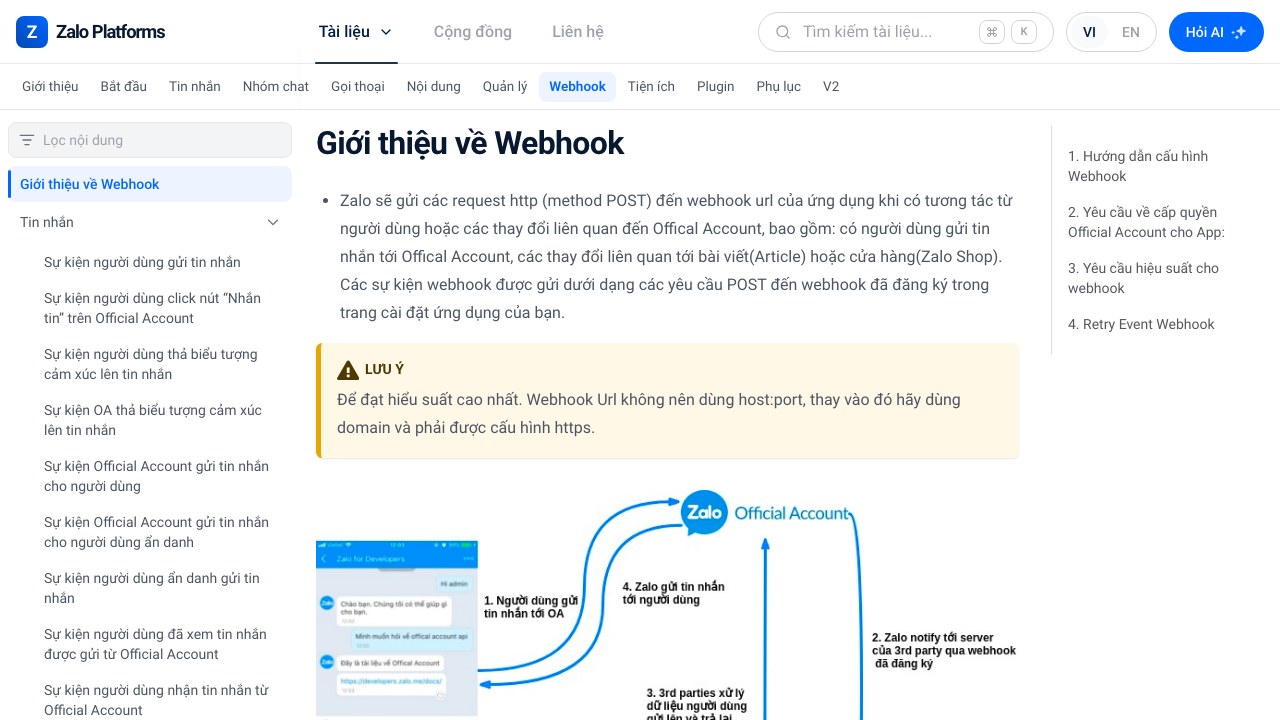
Screenshot of Zalo webhook documentation, captured 23 October 2026. This is documentation, not an operating customer OA. Official source.
A Zalo OA webhook lets your backend receive a customer message as an event instead of repeatedly polling for new messages. Before connecting a chatbot, establish who sent the request, which OA it belongs to and where the event is safely stored.
Register an HTTPS endpoint to receive POST events from Zalo. For incoming messages, verify X-ZEvent-Signature using the documented SHA-256 construction and the unchanged request body. Check the expected App and OA, then persist the event with a deduplication key before acknowledging it. Zalo requires HTTP 200 within 2 seconds, so CRM calls and AI work belong in a background worker. The Node.js verifier below has local fixture tests; the complete handler exposes an explicit durable-queue adapter. It is an integration example, not evidence of a production OA test.
What does a Zalo OA webhook receive?
A webhook delivers events from Zalo to your backend. An incoming text message uses event_name: user_send_text. Its sender.id identifies the user, recipient.id identifies the receiving OA, and message.msg_id identifies the message. Keep these purposes separate: the user ID helps route the conversation, while the message ID helps recognize work you have already accepted.
Preserve identifiers as strings, as the official examples do. Converting a large identifier to a JavaScript number can lose precision. Store the associated OA and App explicitly rather than treating a user ID as a universal customer key. If your goal is outbound phone-number delivery, start with sending Zalo API messages by phone number. Receiving a webhook does not grant additional sending permissions.
What must be configured before writing Node.js?
The official setup guide calls for an HTTPS domain, a registered webhook URL, enabled event subscriptions and OA authorization for the App. Check which environment the URL points to. A page that opens in your browser proves reachability from that browser, not that the correct App has subscribed to the event.
The documentation also describes an optional syntax filter that restricts text events to messages starting with #. Inspect this setting when ordinary customer messages never reach the backend. Start with one text event and trace it through your system before adding images, attachments or other event schemas. Check event permissions separately from the permissions your outbound message API needs.
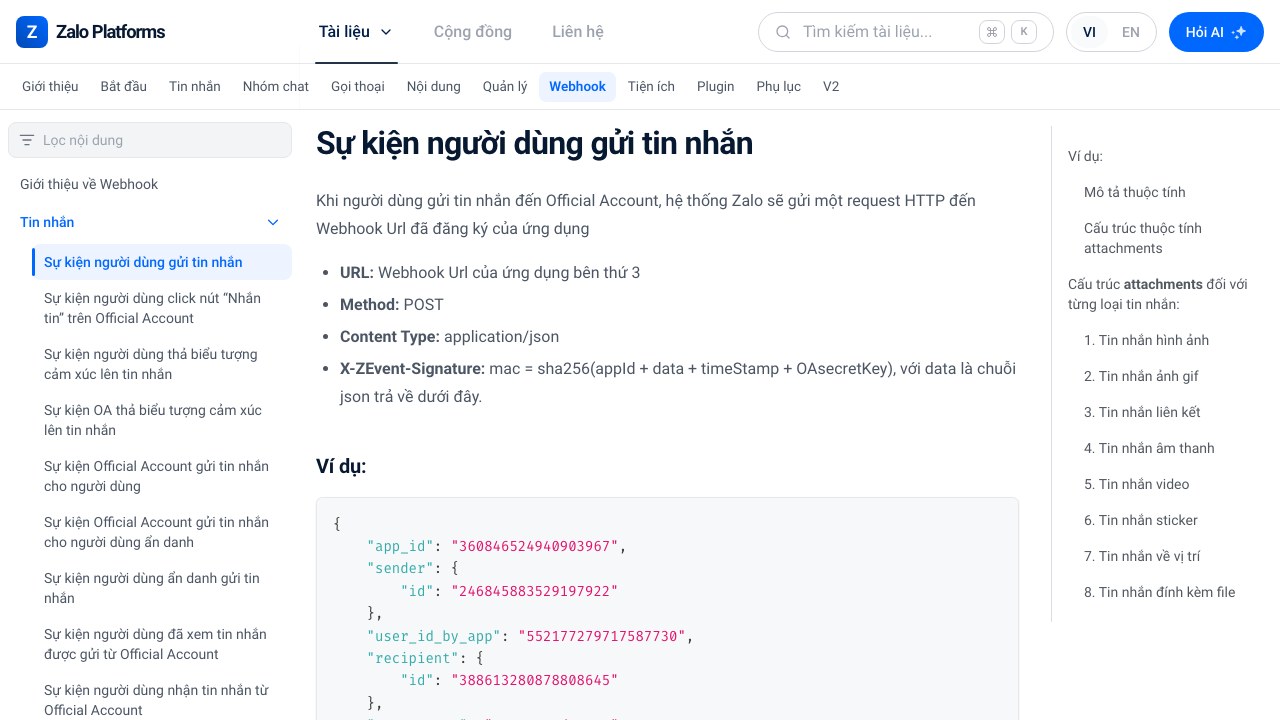
Screenshot of Zalo incoming-message event documentation, captured 23 October 2026.
How do you verify the signature without changing the body?
Zalo documents SHA-256(appId + data + timestamp + OAsecretKey), with the digest following mac= in the header. This construction is not an instruction to use HMAC. Keep the original JSON bytes for data: parsing and serializing the object again may change whitespace or field order, producing a different digest even when the values look unchanged.
With Express, collect raw bytes for this route before applying a global JSON parser. With Node HTTP, collect the request chunks into a Buffer. Parse a copy to read the timestamp, but hash the original Buffer. Validate the signature format and length before using timingSafeEqual. The relevant credential is the OA Secret Key, not an assumed substitute such as the App Secret or an access token.
What does the Node.js verifier look like?
This function is the locally tested verification part of the example. Supply appId and oaSecretKey from server configuration; never put them in browser code. It returns a verified event or throws an error. It does not create a queue, call an AI service or send a customer message on its own.
import { createHash, timingSafeEqual } from 'node:crypto';

export function verifyWebhook({ rawBody, signature, appId, oaSecretKey }) {
  const fail = (status, message) => { throw Object.assign(new Error(message), { status }); };
  if (!Buffer.isBuffer(rawBody)) fail(400, 'invalid_body');
  let event;
  try { event = JSON.parse(rawBody.toString('utf8')); }
  catch { fail(400, 'invalid_json'); }
  if (!event || ![event.app_id, event.timestamp, event.event_name]
    .every(value => typeof value === 'string' && value.length)) fail(400, 'invalid_payload');
  if (typeof signature !== 'string' || !/^mac=[a-fA-F0-9]{64}$/.test(signature)) {
    fail(401, 'invalid_signature');
  }
  // SHA-256(appId + original JSON bytes + timestamp + OA Secret Key).
  // Do not use HMAC or JSON.stringify(event) here.
  const expected = createHash('sha256').update(appId).update(rawBody)
    .update(event.timestamp).update(oaSecretKey).digest();
  if (!timingSafeEqual(expected, Buffer.from(signature.slice(4), 'hex'))
      || event.app_id !== appId) fail(401, 'invalid_signature');
  return event;
}
A complete Node.js module should add POST handling, an application-defined body-size limit, an OA check and an injected enqueue adapter. That size limit is an example policy, not a documented Zalo limit. Connect the adapter to durable storage. A console log followed by a success response is not a durable handoff and can lose work when the process stops.
Read raw bytes → verify signature and App → check event type and OA → persist with a deduplication key → return HTTP 200 → process business work in the background.
Why are a queue and deduplication key necessary?
Zalo requires HTTP 200 within 2 seconds. Avoid putting model inference, CRM queries or attachment downloads before the acknowledgement. The example acknowledges only after storage accepts the event. If storage fails, it returns 503 rather than claiming success. Add operational alerts and reconciliation: the documentation does not promise a retry for every possible HTTP failure.
The documented retry schedule for connection failures uses 30 seconds, 5 minutes, 15 minutes, 30 minutes and 1 hour. A message can therefore arrive more than once. The handler produces OA:event_name:msg_id; persistent storage must enforce uniqueness and treat an already stored key as a successful receipt. Avoid a short timestamp-age cutoff that discards legitimate delayed retries.
Reception deduplication is only one part of the design. A background worker must also know whether its side effect already completed before sending another message or updating an order again. Keep that business state in persistent storage instead of relying on an in-memory Set. This becomes especially useful when connecting the endpoint to an AI agent for business operations.
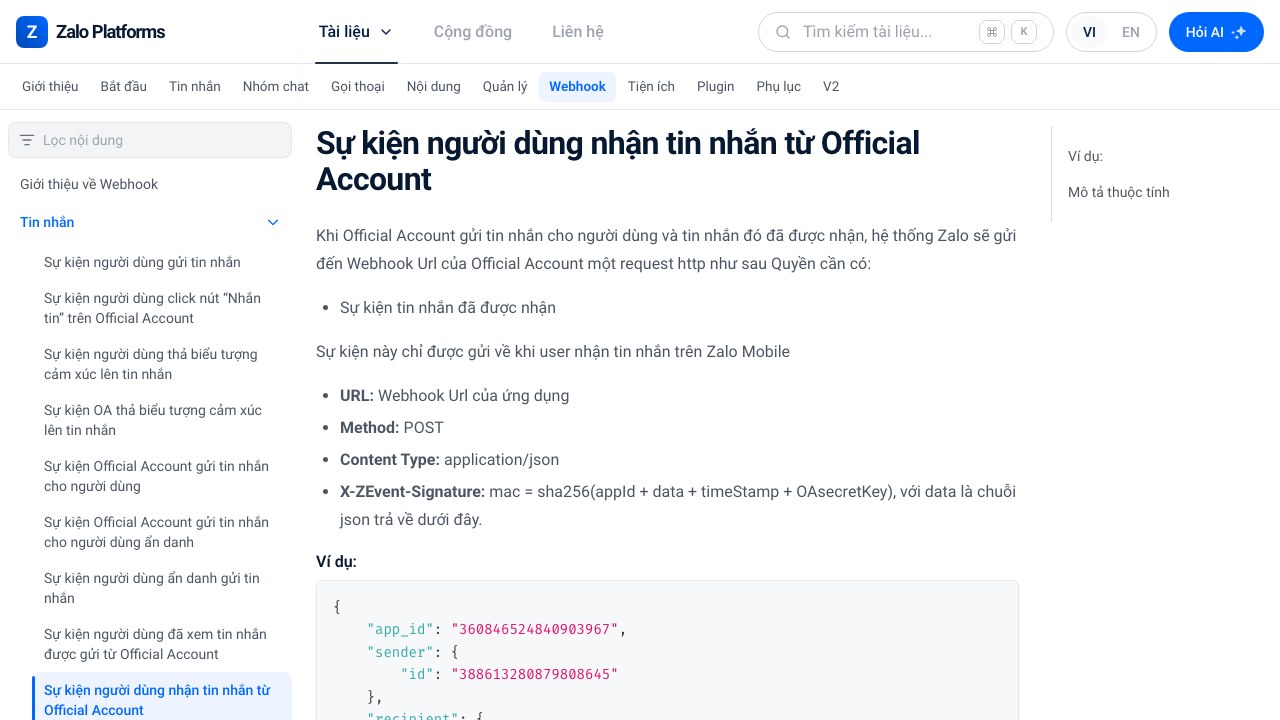
Screenshot of Zalo delivery-event documentation, captured 23 October 2026. The documented event fires only when the user receives the message on Zalo Mobile. Its absence alone does not prove nondelivery; do not treat it as a universal delivery signal for phone-number ZBS messages.
Which layer should you inspect when the webhook fails?
- No request arrives: inspect HTTPS reachability, App/OA authorization, subscriptions and the syntax filter.
- Signature verification fails: check the expected App ID, OA Secret Key and raw-body path. Do not remove verification to make the route appear healthy.
- Work runs twice: inspect queue uniqueness and the worker's business-state transitions.
- An outbound API succeeds without confirmed delivery: track the appropriate event.
user_received_messagemeans something different fromuser_send_text.
The example handles text messages and acknowledges other authenticated event types as skipped. Add dedicated handlers for files, images or data-rights events instead of assuming they have the same payload. For proactive template delivery, also check ZNS/ZBS template approval and pricing. Sources were reviewed on 23 October 2026; no real OA credentials or customer messages were used.
Source portal: Zalo for Developers. Current detailed references are linked beside each claim. Accessed 23 October 2026.
Frequently asked questions
Is a webhook the same as the Zalo send-message API?
No. A webhook delivers an event from Zalo to your backend. Sending a reply or an approved template is a separate API request with its own authorization and recipient conditions. Successfully receiving a signed event does not establish permission to send arbitrary content to that user.
Can I parse JSON before checking the signature?
You can parse it to inspect fields, but preserve the original Buffer for signature calculation. Do not replace the raw body with JSON.stringify output: whitespace or field-order changes can alter the hash. Verify the signature before passing the event into business processing or a queue.
Should the endpoint call an AI model before acknowledging?
Keep model calls out of the acknowledgement path. Verify the event and persist it first, then let a background worker perform the slower work. This design supports the response-time requirement while giving you explicit places to handle retries, duplicate events and failed business operations.
Has this example been tested on a production OA?
No. The code is tested with local mock requests and signatures, without real account credentials or outbound messages. Before production use, validate App/OA permissions, HTTPS delivery, the durable queue adapter, test events and reconciliation against the business environment. Passing local tests does not establish those account-specific conditions.