Zalo OA customer care scripts for small shops

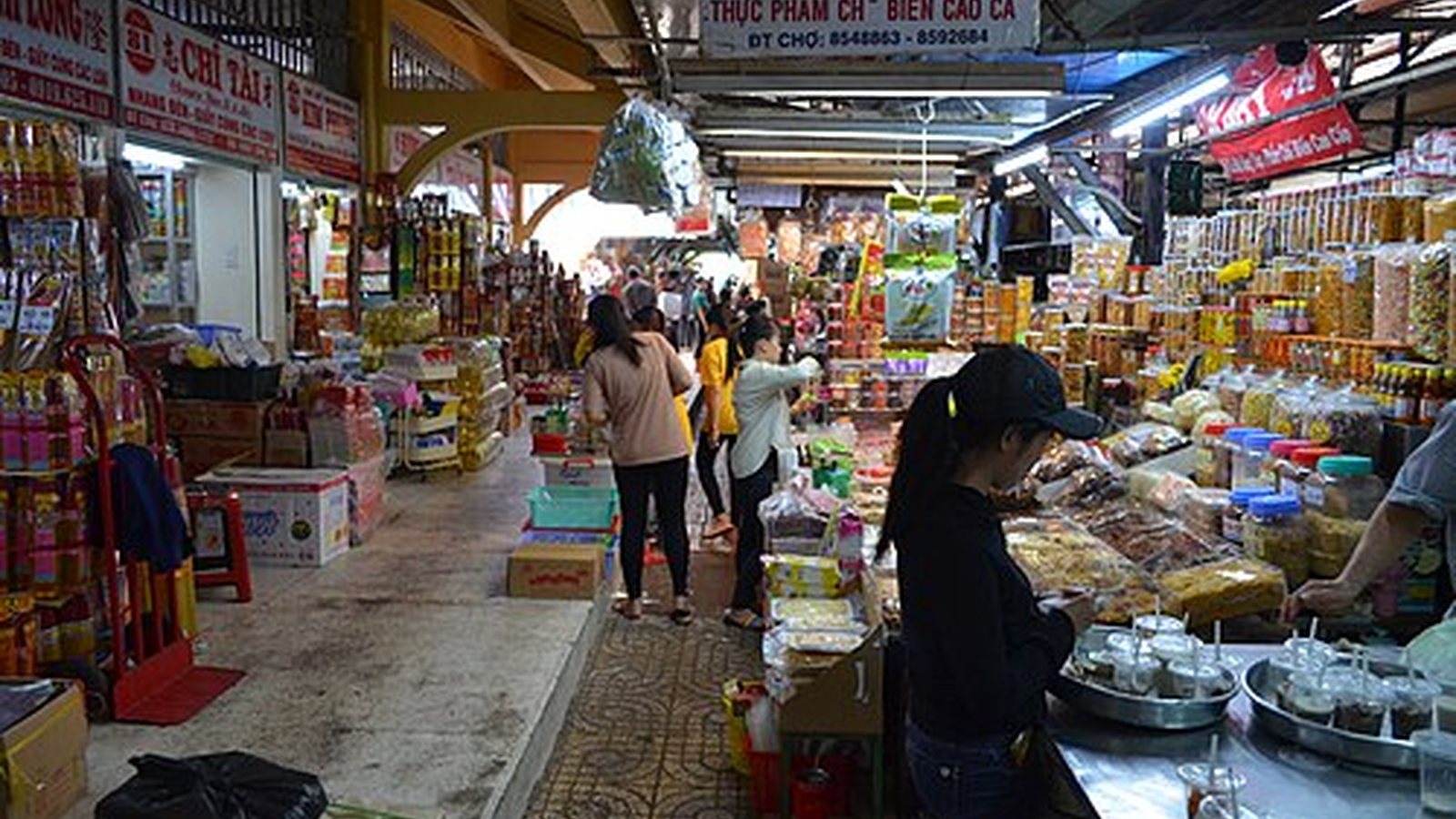
Binh Tay Market, Ho Chi Minh City. Photo: Nick, Wikimedia Commons, CC BY 2.0.
Small shops in Vietnam often handle Zalo customer care by feel: they message when they remember and leave customers waiting when it gets busy. A ready-made script for 6 moments lets every staff member reply in the same voice, and tells the owner which messages are free and which need an approved template.
A Zalo OA customer care script for a small shop needs 6 messages: a welcome when someone follows the OA, a price or availability reply, a booking or order confirmation, a reminder, a follow-up after the service, and an invitation to come back. Replies use consultation messages, which only reach people who interacted in the last 7 days. Proactive confirmations and reminders should use approved ZBS Template Messages, about 300 VND each before VAT. Keep every message under 3 sentences, with the customer's name and one next step.
Which messages belong in a Zalo OA care script?
One script set covers a hair salon, a food stall or a clothing shop with 6 messages, ordered along the customer journey. The key point is that each message travels through a different Zalo message type, with different send conditions and costs. The table below maps each moment to the right message type, based on Zalo's documentation and price pages as read on 26 October 2026.
| Moment | Message type | Condition to remember |
|---|---|---|
| 1. Customer just followed the OA | Consultation message, welcome menu | Send when they follow or write the first message |
| 2. Customer asks price or availability | Consultation message | Reply within 48 hours to avoid out-of-plan fees |
| 3. Confirm booking or order | ZBS Template Message | Approved template, customer has transacted |
| 4. Reminder one day before | ZBS Template Message | Only for confirmed bookings |
| 5. Follow-up after the service | Consultation message or rating template | Consultation only if they interacted within 7 days |
| 6. Invite back | Campaign broadcast message | Within the plan quota, never in bulk bursts |
If you are unsure what each message type costs, the full tables are in Zalo OA pricing 2026 and message costs.
What do script messages for salons, food stalls and shops look like?
The samples below use variables in angle brackets for staff or a system to replace with real data. The tone is friendly, refers to the shop by name and the customer by name, and avoids capital letters and piles of emoji. Each message asks the customer for one action only. In the Vietnamese original these are written in natural Vietnamese; the English versions show the structure.
- Welcome on follow (salon): "Hi <customer_name>, thanks for following <shop_name>. Would you like to see prices, book a slot or get directions? Tap a button below."
- Price reply (food stall): "<customer_name>, our office lunch set is <price>, delivered within <km> km. Order before 10 am so we can cook in time."
- Booking confirmation (salon): "<shop_name> confirms <customer_name>'s booking: <service> at <time> on <date>. To change the time, tap Reschedule."
- Reminder: "Tomorrow at <time> <customer_name> has <service> at <shop_name>. We hold your slot until <hold_until>."
- Follow-up (clothing shop): "Does the <product> fit well, <customer_name>? We exchange sizes within <days> days; just reply here."
- Invite back: "It has been <weeks> weeks since <customer_name>'s last cut. We still have <time_slot> free this week. Shall we hold it?"
Confirmations and reminders must be registered as ZBS templates before sending. Under the review rules updated on 21 October 2026, links and hotlines go into buttons, shortened links are not allowed in the text, and templates need personal details such as the customer's name or order code. Approval steps are covered in ZNS templates: approval, pricing and common errors.
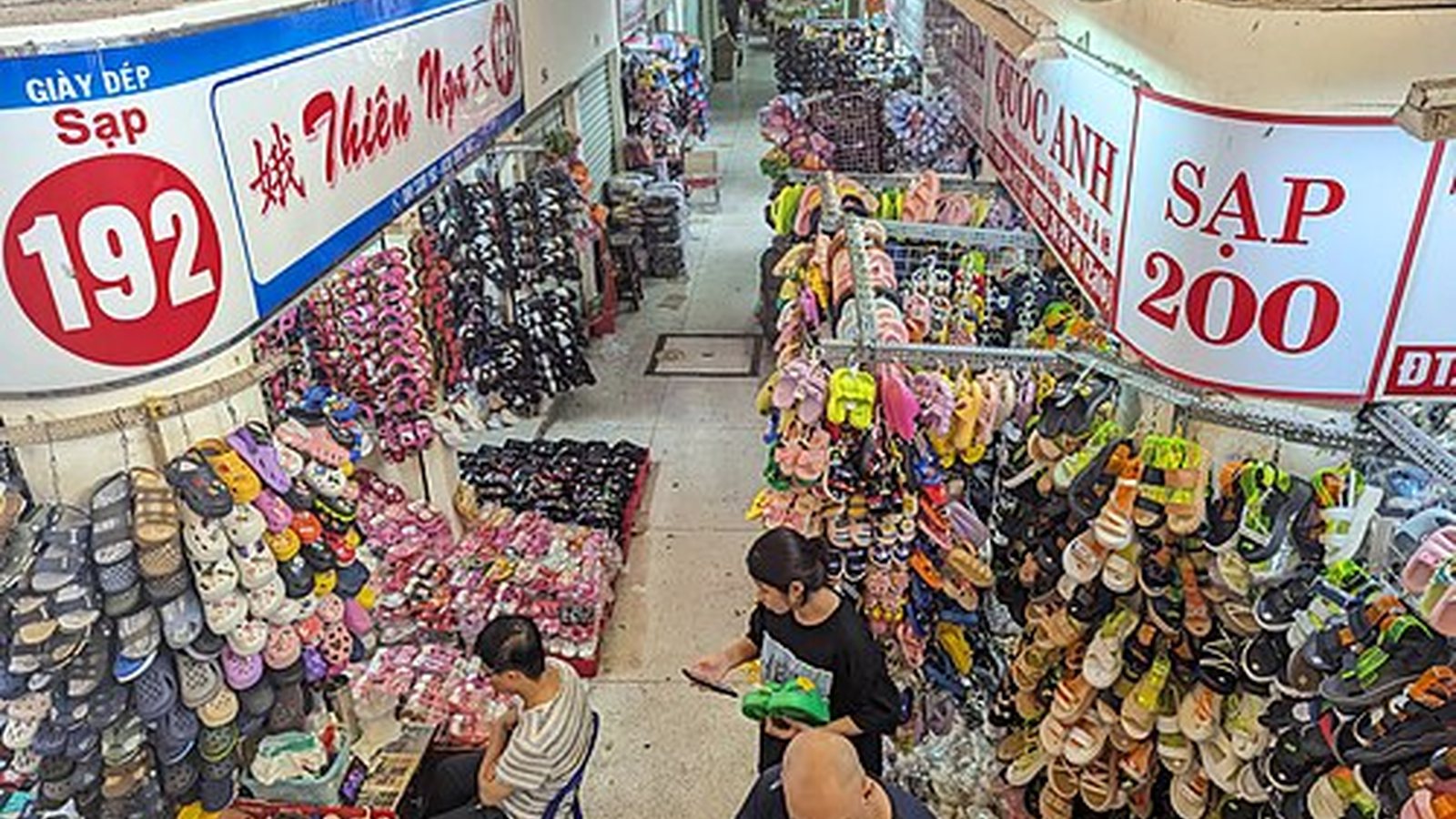
Shoe stalls in Binh Tay Market, Ho Chi Minh City. Photo: Syced, Wikimedia Commons, CC0. Stalls like these have many regulars but only one or two people serving, exactly the group that needs reusable scripts.
When should you send so customers do not feel spammed?
Zalo's own rules already limit most proactive messages. According to the consultation message conditions, an OA can only send consultation messages to people who interacted with it in the last 7 days. The OA price page shows that consultation replies within 48 hours carry no out-of-plan fee, while replies outside that window cost 55 VND each once the quota runs out. Answering fast is both polite and cheaper.
Beyond Zalo's limits, Chạm AI suggests three rules for small shops: no more than 2 proactive messages per customer per week, no messages after 9 pm unless the customer is waiting for a reply, and always give customers a simple way to say "no thanks". This is operating experience, not a Zalo rule.
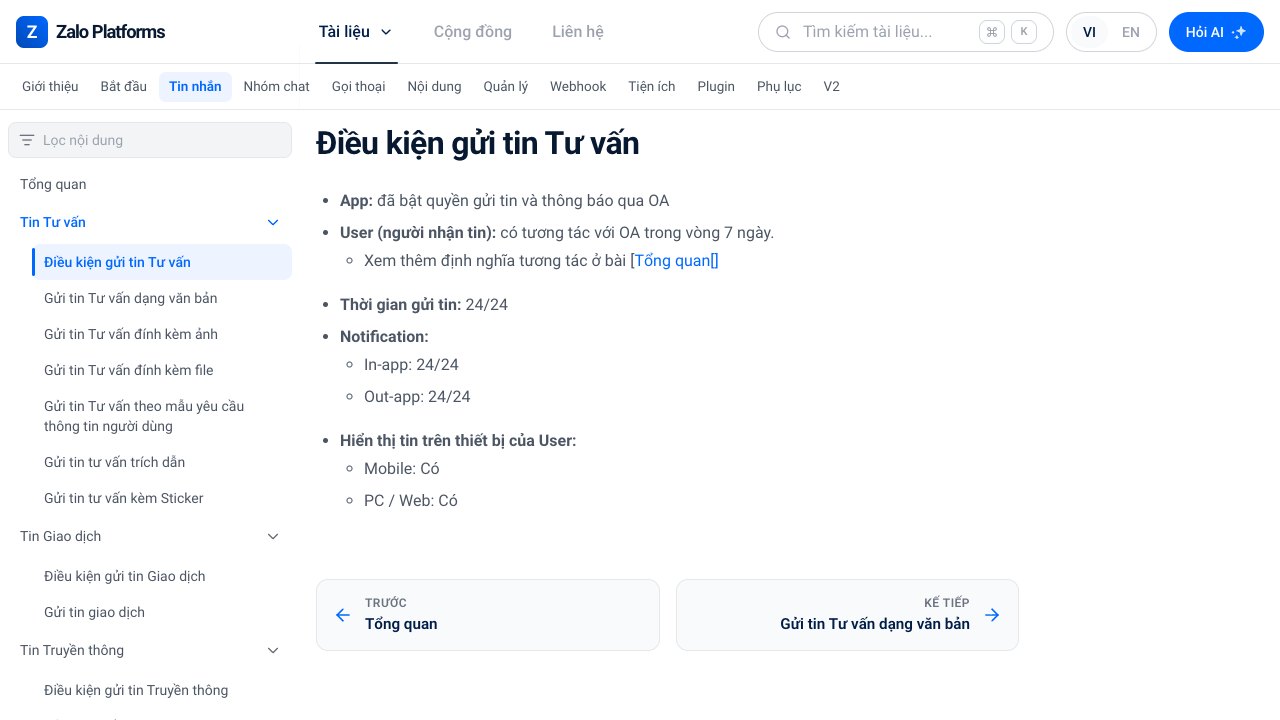
Screenshot of Zalo documentation, 26 October 2026. Source: Consultation message conditions.
How do a chatbot and OA menu help a shop with few staff?
A chat menu lets customers tap Prices, Book or Directions without waiting for staff. A chatbot goes further: it handles repeated questions with scripted answers and hands over to a person when a question falls outside the script. According to Zalo's plan comparison, chatbots come with the Growth plan (2,500,000 VND a year, 10 flows) and the Comprehensive plan (50 flows).
For a shop with fewer than 10 incoming chats a day, scripts and a menu are usually enough. When questions about prices, opening hours and directions make up most of the inbox, a chatbot starts to pay off. When you build it, reuse the scripts above so the bot sounds like your staff; see brand voice for Zalo OA chatbots and Zalo OA chatbot for business.
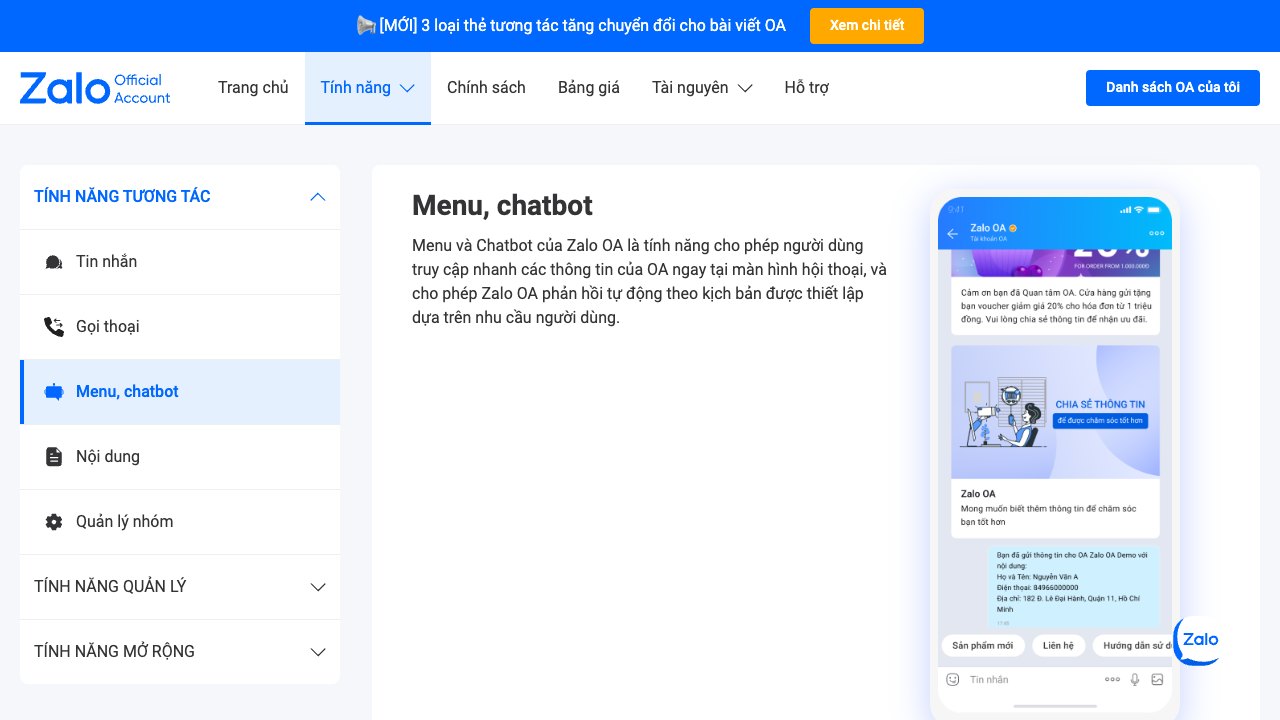
Screenshot of the Zalo Official Account site, 26 October 2026. Source: Menu and chatbot feature.
How do you know the script is working?
Three numbers a month are enough for a small shop. First, the share of customers who tap or reply to booking confirmations, which shows whether the message is clear. Second, the share who show up on time and who return within 30-60 days, which shows whether reminders and invitations work. Third, the number of consultation replies outside the 48-hour window, which signals slow replies and adds cost.
When one message gets a low response, change one thing at a time: the opening line or the button, then compare this month with last month.
Set up your scripts in one session: (1) List the 6 moments above for your shop. (2) Write one message per moment, under 3 sentences, with the customer's name and one next step. (3) Mark which ones are consultation messages and which need a ZBS template. (4) Submit the ZBS templates and allow 2-3 working days. (5) Pin the consultation scripts so every staff member uses the same set. (6) After a month, check the 3 numbers and rewrite the weakest message.
Sources: Consultation message conditions, OA service pricing, Template review rules. Read on 26 October 2026. Scripts were written by Chạm AI and have not been approved by Zalo.
Frequently asked questions
Does a small shop need a chatbot for Zalo OA customer care?
Not necessarily. A shop with fewer than 10 incoming chats a day can use a script library that staff paste and personalise. A chatbot pays off when repeated questions about prices, opening hours and directions dominate, and it requires the Growth plan or higher according to Zalo's price page read on 26 October 2026.
Can I message past customers on Zalo OA at any time?
No. Consultation messages can only go to people who interacted with the OA in the last 7 days. After that, the shop needs a ZBS Template Message approved by Zalo, and the recipient must be a customer who has transacted with the shop. Each template message is charged by template type.
How long should a script message be?
Keep each message under 3 sentences: a greeting with the customer's name, the main fact such as the appointment time or order code, and the next action. Put links and phone numbers in buttons instead of the text, because Zalo's template review rules require it.